MS 4: Action Verbs: TAKE, DROP, and INVENTORY
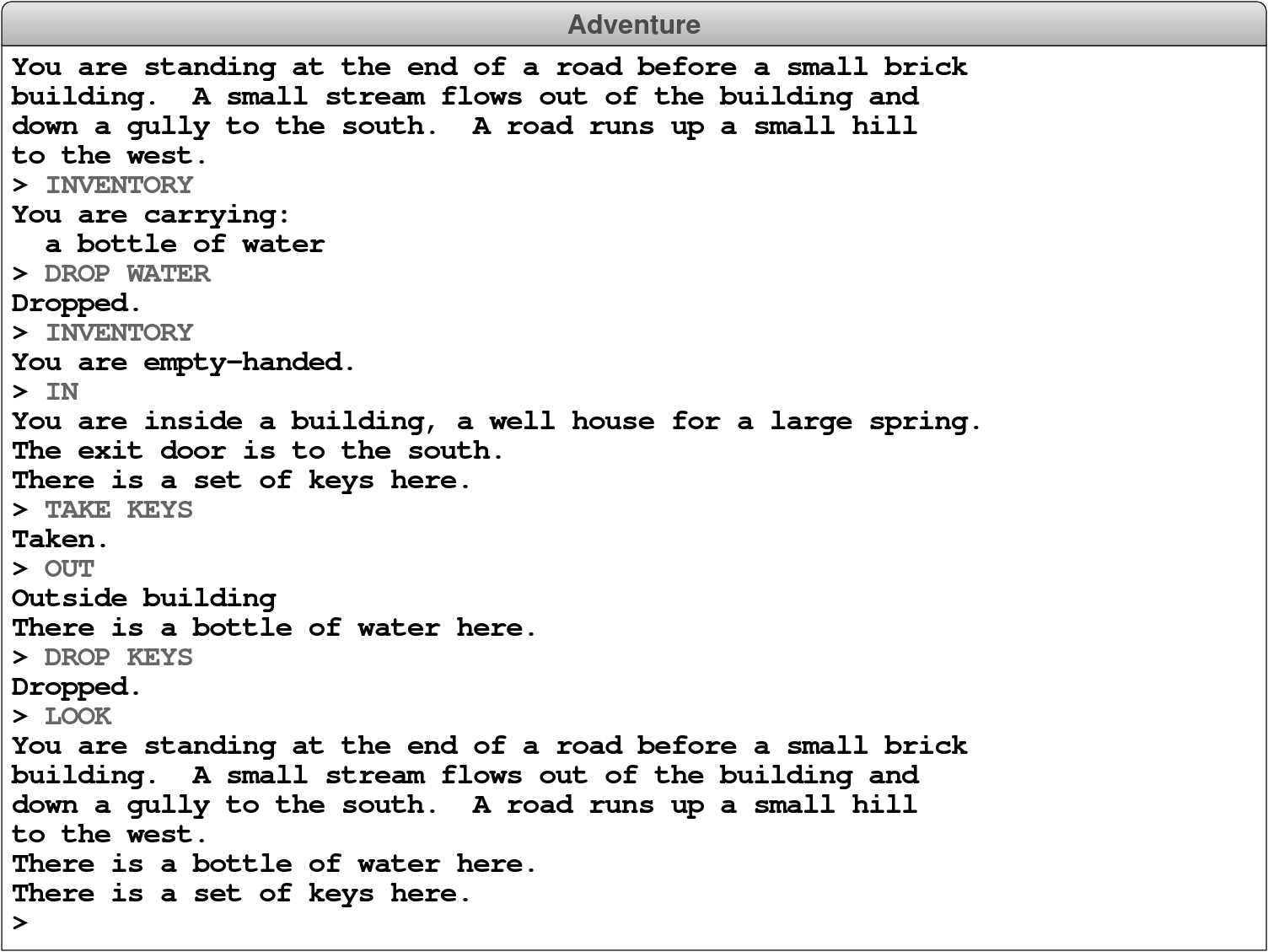
The next step is to add the TAKE, DROP, and INVENTORY action verbs to the command processor you implemented for Milestone 2. The TAKE verb checks to see if an item is in the room, and if so, removes it from the room and adds it to the player’s inventory. The DROP verb reverses the process, removing an item from the player’s inventory and then adding that item to the room. The INVENTORY verb goes through the player’s inventory and prints the description of each item. If the player’s inventory is empty, the INVENTORY command should display the string "You are empty-handed.". These behaviors are illustrated in the following sample run from the beginning of the game:
Implementing this milestone requires several steps:
- Add a new attribute to the
AdvGameclass that keeps track of the set of items the player is carrying. - Implement the special case for
"PLAYER"in the code you wrote for Milestone 3. This should be easy now that you just created the above attribute to store such things. - Write code to implement the
TAKE,DROP, andINVENTORYcommands. Note thatTAKEandDROPrequire you to read an item name that comes after the action verb. This is made easy using the token scanner, but you could handle it otherwise should you want.